GPS Watch Accuracy Test: A Repeatable Field Protocol
A useful GPS watch test needs a known distance, repeated trials, and more than one environment. One perfect-looking run proves little: satellite geometry, buildings, trees, wrist placement, device settings, and the watch's smoothing algorithm all change the result.
This protocol separates four questions that reviews often blur together: Did the watch measure total distance correctly? Did the plotted route stay on the path? Was current pace stable? Did the device acquire and maintain a satellite fix? You can run the core test without special software and preserve enough detail to repeat it after a firmware update.
Define What You Are Testing
A watch may finish within 1% of the known distance while drawing a visibly poor route because errors cancel out. It may also draw a smooth route but show erratic current pace. Score each output separately.
| Metric | Record | What a weak result looks like |
|---|---|---|
| Total distance | Watch distance versus a surveyed or reliably measured course | Consistent short or long measurement |
| Route position | Map trace at turns, lane curves, bridges, and street corners | Cut corners, parallel-road jumps, or a trace through buildings |
| Current pace | Unexpected spikes or lag at a steady effort | Large changes while speed feels constant |
| Satellite lock | Time to ready and any missing section | Slow start, frozen trace, or long straight-line shortcut |
| Repeatability | Spread across identical trials | One good run surrounded by inconsistent ones |
Prepare the Watch and Course
- Update and sync first. Syncing can refresh satellite-orbit data. Charge the watch and record the firmware version.
- Use the correct activity profile. Record GPS mode, satellite setting, data-recording mode, auto-pause, and any battery-saving option. Do not silently change them between trials.
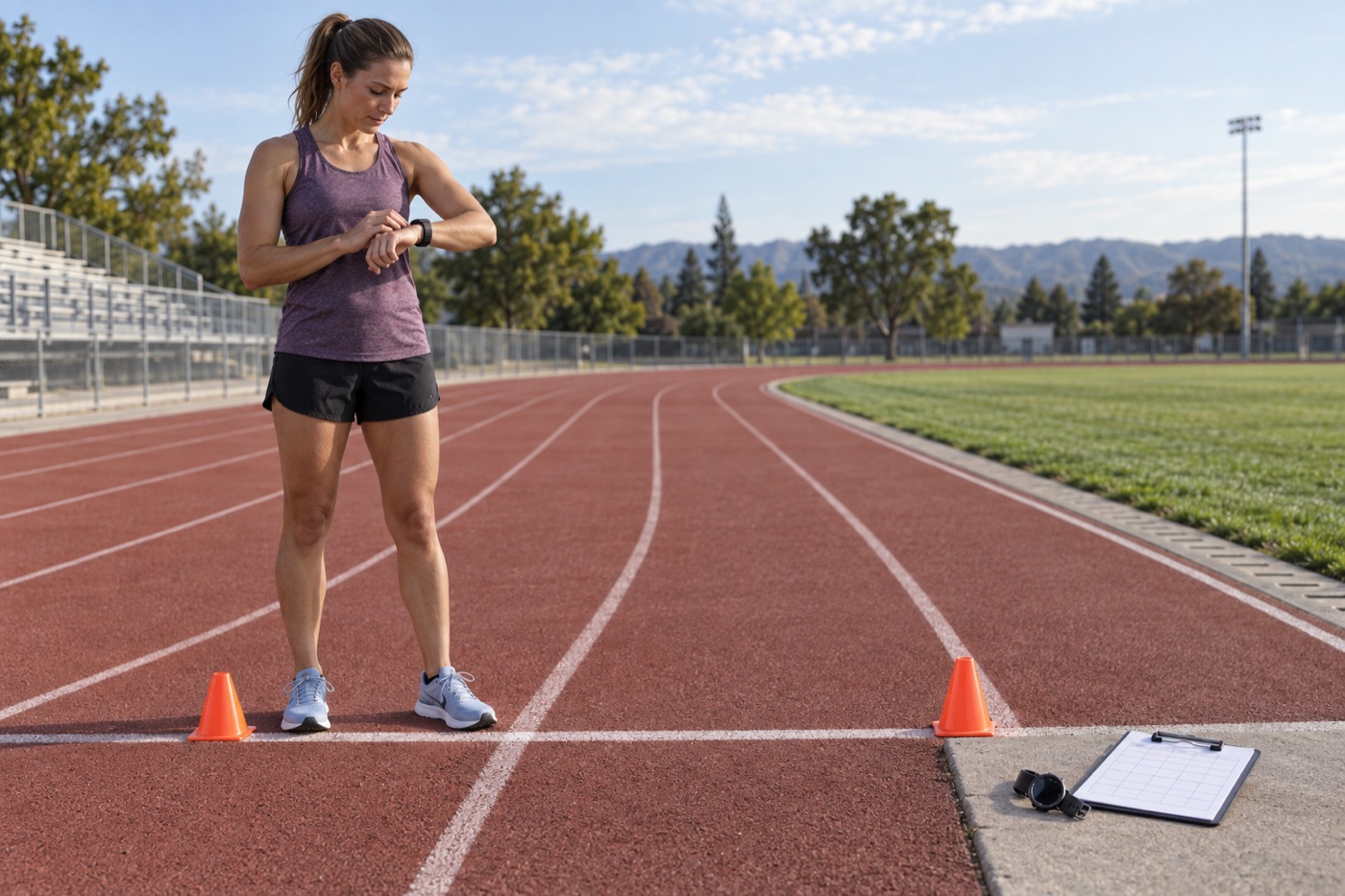
- Choose a known course. A properly marked track or certified race course is better than a route drawn by clicking points on a map. Use the same lane and exact start/finish marks every time.
- Wait for readiness. Stand with a clear view of the sky until the watch reports a fix; on a test day, waiting another two minutes gives the receiver time to settle.
- Keep the setup constant. Use the same wrist, sleeve position, activity profile, and route direction for the first set.
Run the Three-Course Test
Use a steady, repeatable effort rather than trying to set a personal best. Run or walk each course five times on the same day if practical:
- Open-sky baseline: complete a fixed distance on a track or unobstructed path.
- Tree-cover course: use a repeatable out-and-back or loop under continuous canopy.
- Urban course: include tall buildings, 90-degree turns, and a street that runs parallel to another road.
Save each trial as a separate activity. Note weather, start time, chosen GPS mode, time to lock, reported distance, moving time, pace anomalies, and visible map errors. Five repeats reveal whether a result is systematic or just one unusually favorable satellite pass.
Calculate Distance Error Without Hiding Direction
For each trial, calculate signed error = recorded distance − known distance. Then calculate percent error = signed error ÷ known distance × 100. A negative result means the watch measured short; a positive result means it measured long.
Example: a watch reports 4.92 miles on a known 5.00-mile course. Signed error is −0.08 mile and percent error is −1.6%. Report both the mean signed error and the mean absolute error across trials. Signed error exposes a consistent bias; absolute error prevents long and short mistakes from canceling out.
Also report the minimum-to-maximum range. A watch averaging 0% because it alternates between −3% and +3% is less repeatable than one that is always +0.5%.
Compare Two Watches Fairly
Wear one watch on each wrist, start them together, and swap wrists halfway through the repetitions. Keep both devices in their normal wearing positions rather than stacking them tightly on one wrist. Use the closest equivalent GPS mode and disable auto-pause for the primary comparison so different pause thresholds do not become a hidden variable.
Do not compare one watch's smoothed app map with another watch's raw exported track and call that a hardware result. Compare like with like: final distance, the maps presented to ordinary users, and—if you inspect files—the same type of exported data.
Diagnose the Pattern Before Blaming the Sensor
| Pattern | Likely contributors | Retest |
|---|---|---|
| Every run measures short | Corner cutting, power-saving mode, weak fix at start | Wait longer, use full GPS mode, and repeat on open sky |
| Track jumps to a parallel street | Multipath reflections from buildings | Repeat the same street in the opposite direction and compare sides |
| First kilometer is worst | Activity started before the receiver settled | Sync, acquire in open sky, and wait two additional minutes |
| Distance is good but pace spikes | Short-window pace noise or smoothing | Review lap pace and total time separately from current pace |
| Only one day is poor | Satellite geometry, atmosphere, or temporary software issue | Repeat on another day before drawing a conclusion |
What Published Validation Can—and Cannot—Tell You
A field study of eight sports watches across urban, forest, track, walking, running, and cycling conditions found overall mean absolute percentage errors of roughly 3.2% to 6.1%, with environment affecting results. A newer multi-sport validation also found that performance varied by watch and activity. Those figures describe the tested models, firmware, routes, and sample—not a permanent accuracy rating for every watch from the same brand.
Use published studies to understand likely failure modes and your repeat test to understand your own device. If distance controls a medical exercise prescription, an occupational standard, or a formal event result, use the measurement method specified by the responsible professional or organization.
Sources and Manufacturer Guidance
Requirements can vary by product, model, and situation. These primary sources informed this guide; official instructions for your exact product and current authoritative guidance take priority.
- Sensors: Validation of Distance Measurements of Eight Sport Watches
- Sensors: Accuracy of Commercial GPS Watches Across Triathlon Disciplines
- Garmin: GPS Accuracy and Sources of Error
- Garmin Support: Improving GPS Accuracy and Satellite Acquisition
- Apple Support: Calibrating Apple Watch for Workout Accuracy
Frequently Asked Questions
-
There is no universal consumer pass mark. Decide from the use case and reference quality. For ordinary training, repeatability and stable lap trends may matter more than a single small error; racing, mapping, and research require tighter, explicitly defined criteria.
-
Buildings can block satellite signals and reflect them before they reach the watch, a problem called multipath. The plotted point may shift to the wrong side of a street or a parallel road.
-
Multi-band reception can improve positioning in difficult environments, but antenna design, algorithms, settings, fit, satellite geometry, and power mode still matter. Test the complete watch in the mode you actually use.
-
Disable it for the primary test so distance and time are not affected by different pause thresholds. You can run a separate real-world trial with your normal auto-pause setting afterward.