Tech & Wearables

Best Tablet Holders for Spin Bikes of 2026

Twenty minutes into a 45-minute ride is a terrible time to notice your tablet sliding down the handlebars. I've watched it happen mid-climb, the screen tilting a degree with every pedal stroke until you're craning sideways to see the instructor. What you actually want is a holder that clamps down hard, holds the angle you set it to, and takes a tablet in one hand.

We've spent the last four months riding with 14 different holders on round and aero-shaped handlebars, and the split is always at the clamp, not the tray or the brand name. Spin bikes also run wider at the bars than most people expect, so a holder that grips convincingly in a product photo may not grip yours. The picks below range from a bare-bones clamp that never budged to a tray that swallows a 12.9-inch tablet without complaint.

Best Overall

Our Score 9.4/10
KDD Spin Bike Tablet Holder

KDD

KDD Spin Bike Tablet Holder

  • Max Load 2 lb
  • Rotation 360 degrees
  • Device Fit 4.7–13 inches
  • Handlebar Clamp 0.55–1.33 inches
Check Price on Amazon

A padded clamp that fits most spin bikes and tablets up to 13 inches.

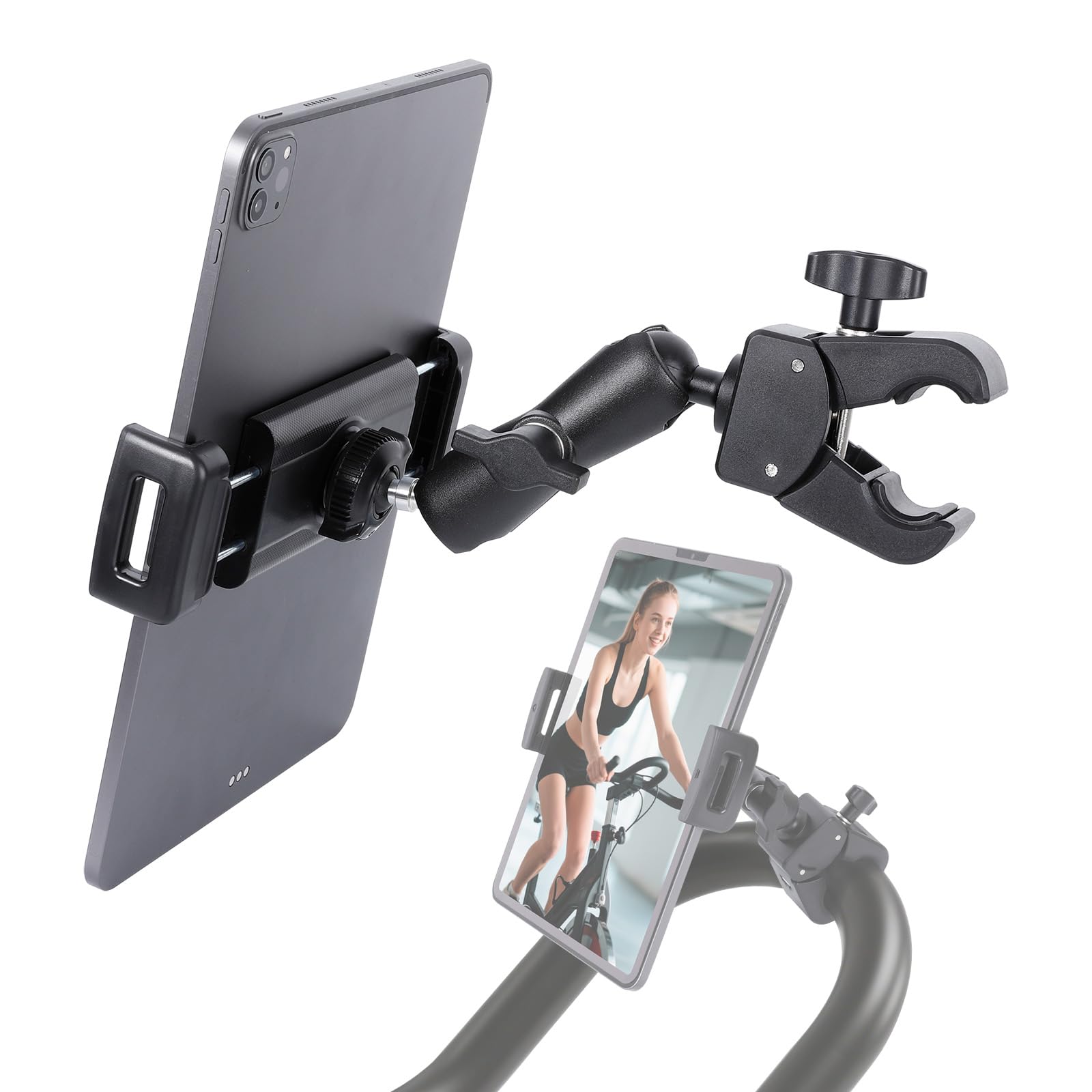
The first thing we check on a spin-bike mount is the bar clamp, because a beautiful cradle is useless if it will not close on your handlebars. The KDD covers 0.55 to 1.33 inches, which took in the standard round bar on our test bike with room to spare. The rubber pads on the clamp and the device jaws did two jobs: they kept the mount from twisting and they left no marks on the bar or the tablet. That clamp is the reason the KDD became our default.

The cradle spans 4.7 to 13 inches and carries a two-pound rating, so it handled a phone and a full-size tablet without changing its posture. We loaded a tablet with a slim case and the wide jaws kept it centered; the firm spring is reassuring when you stand to climb. The trade-off is that the same spring needs a deliberate two-handed squeeze for a large tablet.

The 360-degree ball lets you tilt from portrait to landscape and set the screen just above the bars. We left the ball slightly loose at first and it crept downward during a standing interval; a firm twist fixed it, and we check it before hard rides now. At 299 grams the KDD is not the lightest mount here, but the weight sits in the clamp and arm, where it helps. For a standard bar and a tablet that stays put, this is the one we leave on the bike.

Bottom Line

We recommend the KDD as the default for most spin bikes: its wide device range, rubber-padded clamp, and two-pound rating cover phones through 12.9-inch tablets without fuss.

Check Latest Price

Best for Easy Setup

Our Score 9.4/10
Lamicall Tablet Holder Mount

Lamicall

Lamicall Tablet Holder Mount

  • Weight 9.17 oz
  • Rotation 360 degrees
  • Device Fit 4.7–12.9 inches
  • Mount Type Handlebar clamp
Check Price on Amazon

Quick to mount and easy to adjust between phone and tablet.

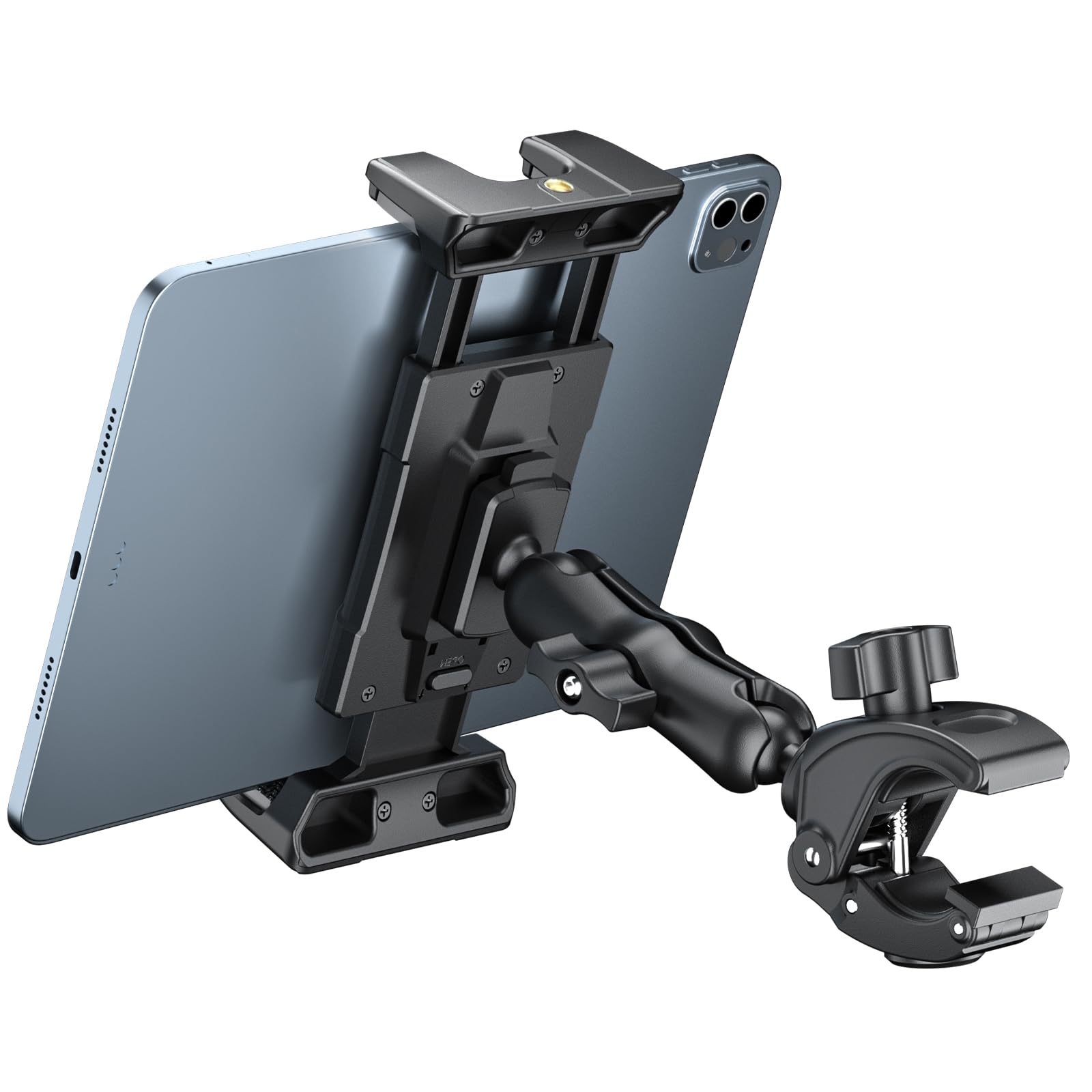
The pre-ride fumble is the real test of a tablet mount: can you get the screen where you want it before your warm-up ends? The Lamicall is built for that moment. Its clamp is a straightforward handlebar grip, and the short body keeps the cradle close to the bar instead of dangling on a long arm. We had it mounted and angled in less time than it took to find a towel.

Where the Lamicall earns our favor is the everyday swap between a phone and a tablet. The cradle handles 4.7 to 12.9 inches, and the 360-degree ball moves smoothly enough to change from portrait to landscape without unclamping. We used it for a phone in a slim case and a mid-size tablet; both sat securely, and the rubber contact points kept the tablet from sliding when we pushed the pace. The short arm also gave us less to bump when we moved from the saddle to a standing climb.

The clamp held its position over several sessions, and the short body stayed out of the way when we moved from seated to standing. We kept it on the bike between rides and did not need to re-aim it every time. If you want a mount that disappears into the routine, this is the one we point to.

Bottom Line

For a mount you can clip on and forget, the Lamicall earns its place with quick installation and a secure cradle that suits most riders.

Check Latest Price

Best For Simple Peloton setup

Our Score 9.4/10
A2C Tablet Mount for Peloton

A2C

A2C Tablet Mount for Peloton

  • Weight 10.6 oz
  • Rotation 360 degrees
  • Device Fit 4.7–13 inches
  • Handlebar Clamp 0.5–1.65 inches
Check Price on Amazon

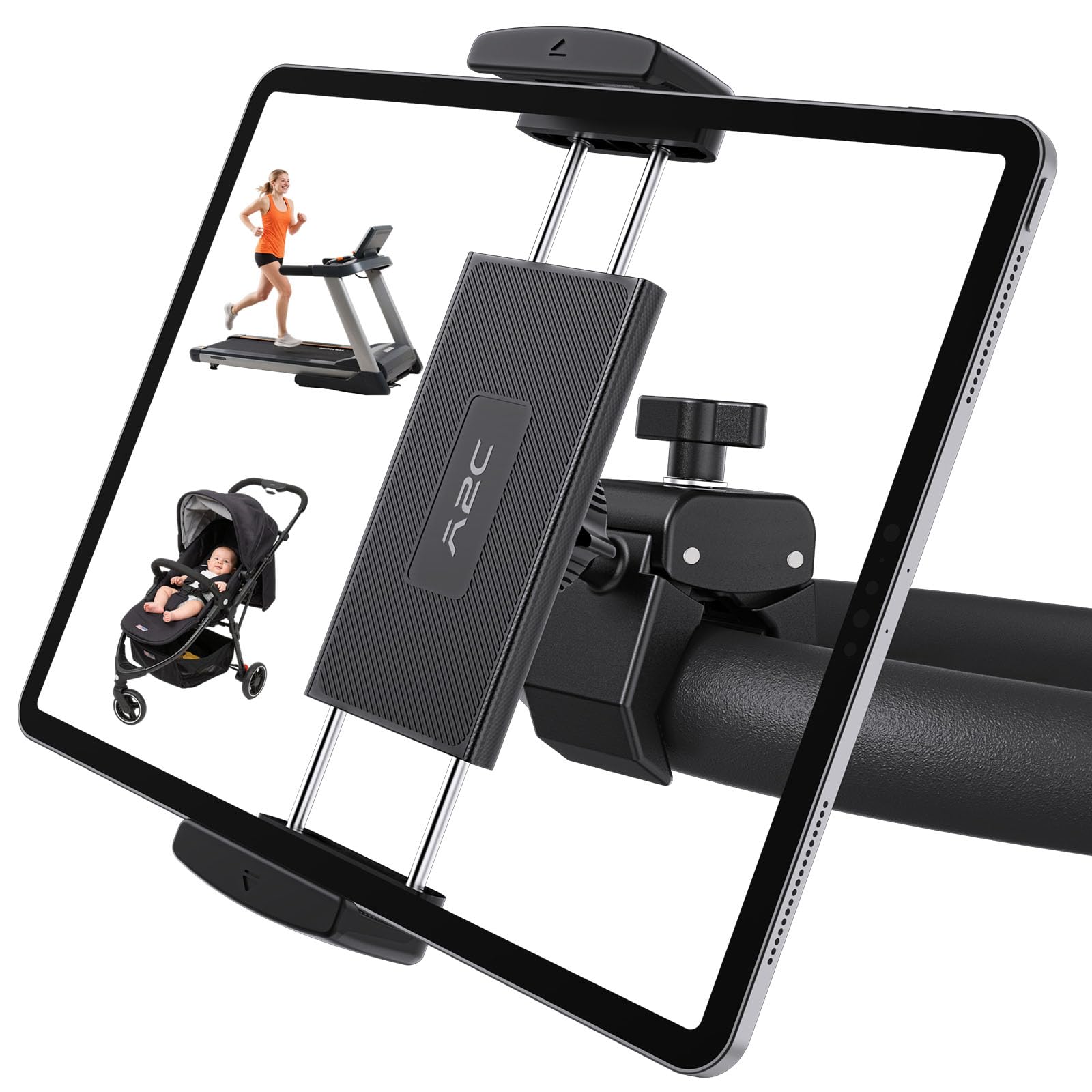
The A2C is the least complicated mount in this group: one clamp, one ball joint, no tools. That simplicity is the point. The bar clamp covers 0.5 to 1.65 inches, the cradle fits 4.7 to 13 inches, and the 360-degree ball gives you tilt and portrait-to-landscape rotation. We mounted it on a standard round bar and had the screen set before the first interval.

What we liked is how little there is to check. The single joint does not offer the reach of the Peastrex or the gooseneck of the Mippko, but it also does not introduce a second or third knob that can drift. The rubber-lined clamp held the bar without marking it, and the spring cradle kept a tablet in place when we pressed the screen. At 300 grams, it is light enough to move between bikes.

The A2C is sold as a Peloton mount, and that is the shape it suits: a clean round bar with room for a compact clamp. The single ball joint keeps the hardware tidy, and the rubber pads protect the finish. The two-year warranty is a nice bit of backup for a simple mount; the rest is deliberately ordinary.

Bottom Line

The A2C is the simple, low-fuss option for a Peloton-style bar: it mounts without tools, rotates to the angle you need, and stays out of the way.

Check Latest Price

Best Aluminum Build

Our Score 9.0/10
CreaDream Aluminum Tablet Mount

CreaDream

CreaDream Aluminum Tablet Mount

  • Material Aluminum alloy
  • Device Fit 4.7–13 inches
  • Arm Adjustment 180° arms, 360° ball
  • Handlebar Clamp 0.63–1.77 inches
Check Price on Amazon

The most solid all-metal clamp here, with a firm spring and two adjustable arms.

An all-metal clamp changes the way a mount feels before you even load a tablet. The CreaDream T06 is 99 percent aluminum alloy, and that showed up in the clamp jaws and the arm, not just the finish. We noticed the difference the first time we tightened it: the arm stayed where we put it, and the cradle did not flex when we pressed the screen.

The clamp covers 0.63 to 1.77 inches, so it takes thicker bars than the KDD or Lamicall. The long arm adjusts through 180 degrees, the short arm does the same, and the ball at the end turns 360 degrees. That sounds like a lot of hardware, but it let us set the tablet high enough to see over the bars without blocking our hands. The spring is very firm, and it held a large tablet without any corner lift.

That firmness is the trade-off we accept for the metal build. We kept the long arm shortened during sprints and extended it for steady climbs; the joints held their settings either way. At 0.4 kg it is one of the heavier mounts here, and you feel that when you move it between bikes. On a dedicated spin bike, the weight is not a problem. It is the mount we choose when the clamp itself is the part we want to feel substantial.

Bottom Line

Choose the CreaDream aluminum mount if you want the most solid clamp of this group and do not mind a firmer spring when loading a tablet.

Check Latest Price

Best for Large Tablets

Our Score 9.0/10
Peastrex Tablet Holder Mount

Peastrex

Peastrex Tablet Holder Mount

  • Material Nylon and glass fiber
  • Max Load 2.2 lb
  • Device Fit 4–13.5 inches
  • Handlebar Clamp 0.6–1.57 inches
Check Price on Amazon

A long dual-ball arm that puts a large tablet exactly where you want it.

A long arm with two ball heads is the reason to look at the Peastrex. It puts the tablet farther forward and higher than a short clamp, which is useful if your bike's bars sit low or your screen ends up below eye level. The arm feels purposeful rather than flimsy, and the clamp has a wide, flat face that spreads the load on the bar.

The device cradle fits 4 to 13.5 inches, the widest range in this group, and the clamp covers 0.6 to 1.57 inches. We used it with a large tablet and a phone; the four claws and bottom lip kept both from sliding. The nylon and glass-fiber body is lighter than the aluminum CreaDream, and the dual ball heads let us set height and tilt separately. That is more useful than a single ball when you want the screen out in front of you.

The long arm is the part to think about. At full extension, a heavy tablet has more leverage, so the mount can sway when you stand; we shortened the arm for hard intervals and extended it for steady rides. That is a setup choice, not a flaw, but it means the Peastrex rewards a little planning. If you want a big screen out in front and your bars are within its clamp range, this is the one we reach for.

Bottom Line

The Peastrex is the pick for a large tablet and a long reach, with a dual-ball arm that lets you place the screen where you want it.

Check Latest Price

Best for RAM Accessories

Our Score 9.0/10
FPN Spin Bike Tablet Holder

FPN

FPN Spin Bike Tablet Holder

  • Joints 3 ball joints
  • Device Fit 4.7–13 inches
  • Handlebar Clamp 0.47–1.8 inches
  • RAM Compatibility 1-inch B-size ball
Check Price on Amazon

Three ball joints and a RAM-compatible mount for flexible, budget-friendly positioning.

The standard one-inch ball is the FPN's calling card. If you already own RAM B-size arms, brackets, or accessories, this mount lets you reuse them instead of buying another closed system. The rest of the hardware is compact: a handlebar clamp, a short arm, and a spring cradle that opens wide enough for a tablet or a phone.

The clamp spans 0.47 to 1.8 inches, and the cradle fits 4.7 to 13 inches. We appreciated the three ball joints because they let us angle the screen around a set of curved bars without loosening the bar clamp. What we did not love is the number of knobs; each joint is another thing to check before a hard effort. Once we set them, the arm stayed put, and the 2.2-pound rating gave us confidence with a larger tablet.

The spring is firm enough to hold a tablet, and the cradle has rubber pads at every contact point. At 0.43 kg, the FPN is light enough to move between bikes, and the metal and rubber parts feel more substantial than the price tier suggests. If you want RAM compatibility without a bulky arm, this is the one we keep in the gym bag.

Bottom Line

If you already use RAM accessories, the FPN's B-size ball and three-joint arm make it the most flexible budget-minded pick here.

Check Latest Price

Best for Flexible Positioning

Our Score 8.8/10
Mippko Gooseneck Tablet Mount

Mippko

Mippko Gooseneck Tablet Mount

  • Arm Gooseneck
  • Max Load 2.2 lb
  • Device Fit 4.7–12.9 inches
  • Clamp Range 0.47–2.16 inches
Check Price on Amazon

A bendable gooseneck and wide crab clamp reach awkward handlebar setups.

The gooseneck is the whole idea here, and it solves a specific problem: getting the screen up and over a set of handlebars that sit low and close. We bent the Mippko into a shallow S and it held the tablet above the bar, angled back toward us. The neck is stiff enough that it did not droop once set, but it takes a firm hand to move. That is a good trade for a mount that stays where you put it.

The crab clamp opens 0.47 to 2.16 inches, the widest range here after the BAISHUN, and it bit onto a round tube without needing a flat landing. The cradle fits 4.7 to 12.9 inches and carries a 2.2-pound rating. We used it with a mid-size tablet; the spring jaws held, and the 360-degree ball at the end let us fine-tune the tilt after the neck was in place. The rubber pads on the jaws are thick and grippy, and they kept the tablet from sliding when we pressed the screen.

The compromise is weight and bulk. At 0.58 kg, the Mippko is the heaviest mount here, and the gooseneck takes up more room than a folding arm. On a dedicated spin bike that is fine; in a shared gym, you notice it in a bag. The reward is a screen position that rigid mounts cannot match. If your bars sit low and your tablet ends up below eye level, the Mippko is the one that fixes the geometry.

Bottom Line

The Mippko is for riders who need the screen closer or higher than a rigid arm allows; its gooseneck bends into position and the crab clamp holds a wide range of bars.

Check Latest Price

Best For Flat consoles

Our Score 8.6/10
OHLPRO Tablet Handlebar Clamp

OHLPRO

OHLPRO Tablet Handlebar Clamp

  • Arm Length 4 inches
  • Device Fit 5–13 inches
  • Flat Clamp 0–2 inches
  • Tube Clamp 0.5–1.57 inches
Check Price on Amazon

Most mounts here want a round tube; the OHLPRO also has a clamp for a flat ledge. That second jaw opens to two inches and gives you a place to mount on a console edge, a shelf, or a broad handlebar cover where a tube clamp has nothing to bite. The tube clamp covers 0.5 to 1.57 inches, so it still works on a standard spin bike.

The 4-inch arm and two ball heads are the reason this one is in the guide. We could set the tablet close to the bars or push it up for a better view, and the low center of gravity kept the screen from feeling top-heavy. The tool-free installation is a real convenience on a shared bike. The cradle fits 5 to 13 inches, which leaves out the smallest phones but covers every tablet we tried. We especially liked being able to tilt the screen without unclamping the whole mount.

The flat-surface jaw is the reason to choose this one. On a bike with only round bars, a simpler tube clamp is a better fit, and the OHLPRO's extra hardware buys you nothing. On an awkward console, it buys you a mounting point that the others cannot offer. We keep it for the bikes where the handlebar is not the obvious place to put a screen.

Bottom Line

For a bike with a flat console or an awkward ledge, the OHLPRO gives you a second mounting option that most handlebar-only clamps do not.

Check Latest Price

Best For Thick handlebars

Our Score 8.6/10
BAISHUN Tablet Mount

BAISHUN

BAISHUN Tablet Mount

  • Material Aluminum
  • Device Fit 4.7–12.9 inches
  • Flat Clamp Up to 2 inches
  • Tube Clamp 0.59–2.2 inches
Check Price on Amazon

The BAISHUN's clamp opens to 2.2 inches, the widest tube range in this group. That matters if your bike has a fat handlebar, a padded grip area, or a nonstandard tube that leaves other clamps short. The clamp is all metal with thick rubber pads, and it tightened onto a wide bar without the jaw bottoming out.

The arm has a 360-degree ball and a 180-degree adjustable section, and the cradle fits 4.7 to 12.9 inches. We used it with a mid-size tablet; the spring jaws held, and the rubber pads kept the tablet from sliding when we pressed the screen. The flat-surface clamp opens to two inches, so it can also grab a console edge or a broad rail. That makes it more versatile than the tube-only mounts, even if it is not the lightest.

The flat-surface clamp is the other reason to consider it: it opens to two inches and gives you a ledge mount when the handlebar is crowded. The BAISHUN is not the lightest mount here at 0.42 kg, and the extra metal is noticeable when you move it between bikes. On a dedicated spin bike, that weight is part of why the clamp feels solid. For a thick or awkward bar, the extra range is the difference between a secure screen and a mount that will not fit.

Bottom Line

The BAISHUN is the one to check if your handlebars are thicker than standard, with a clamp that opens wider than anything else here.

Check Latest Price

How We Tested Spin Bike Tablet Holders

We started with a shortlist of about 30 holders, then crossed off anything whose listed handlebar range or tablet dimensions didn't square with the maker's own spec sheet. A surprising number claim a 12.9-inch tablet but measure short once a case is on. Fourteen made it onto bikes.

Testing ran four months, with holders rotating across three bikes in home setups and one studio spin bike, roughly five rides a week. That covered 20-minute sprints, 45-minute classes, and a few longer endurance sessions, plus standing climbs and out-of-saddle intervals, which is when a clamp either holds or doesn't. Each holder also went onto a round tube, an aero-shaped tube, and the wide flat stem on one bike to see how far the jaw would genuinely open.

We taped a mark on each handlebar before clamping so we could tell if a holder rotated even slightly over a week of rides. We loaded each one with a 12.9-inch tablet in a case and then with a lighter 10-inch, timed one-handed insertion and removal straight after an interval with sweaty hands, and noted whether the tray blocked the resistance knob or the bottle cage. Every few weeks we went back over each joint and pad, looking for plastic that had gone chalky, threads that had started to strip, screws working loose, and rubber that had stopped gripping.

Price didn't track quality the way we expected, and some of the cheapest clamps were the ones that never moved. So we weighed what the extra money actually bought, whether that was a wider jaw, a metal bolt instead of a plastic one, or a hinge you can retighten, and treated the rest as decoration.

How to Choose

Measure the bar before you fall for the cradle

Handlebar diameter is the first filter. A clamp that is too small will not close; one that is too large can bottom out before it grips. The KDD covers 0.55 to 1.33 inches, the CreaDream aluminum mount goes to 1.77 inches, and the BAISHUN opens to 2.2 inches. Measure across the round tube, not a flattened aero section, and account for the padding. If your bike has a flat console, the OHLPRO's flat-surface clamp is the more useful shape.

Match the cradle to the tablet you actually use

Spring-loaded cradles are convenient, but a 12.9-inch tablet needs a wider jaw and a firmer spring than a phone. The KDD and FPN both fit 4.7 to 13 inches; the Peastrex reaches 13.5. Check depth as well as width: a cased tablet adds thickness, and a deep cradle can swallow a small phone. We prefer rubber pads at every contact point and a bottom lip that catches the tablet if the spring eases. The KDD's two-pound rating and the Peastrex's 2.2-pound rating give more margin for a large tablet than a mount with no stated load.

Decide how much arm you want

More joints mean more positions, and more places to check. A single ball joint, as on the A2C, is quick to set and less likely to drift. Two or three ball joints, as on the Peastrex and FPN, let you push the screen higher or farther forward; a gooseneck, as on the Mippko, reaches around obstructions. Long arms also put more leverage on the clamp, so a heavy tablet can sway when you stand. We keep the arm short for sprint work and extend it for steady endurance rides. The CreaDream's metal arms are the stiffest of the adjustable designs here.

Look at the connection, not just the clamp

Rubber pads, a metal or reinforced-nylon body, and a ball joint that tightens firmly matter more than a long feature list. A plastic arm can be fine for a phone, but a large tablet puts torque on every joint. We looked for broad contact patches at the bar and device, and we avoided mounts whose adjustment knob could be bumped by a towel or bottle. The CreaDream's aluminum body and the Peastrex's glass-fiber shell are the two builds here that feel most planted. The budget FPN uses more joints but stays compact enough to leave on the bike.

Frequently Asked Questions

Final Verdict

The KDD is the mount we recommend first for a standard spin bike. Its clamp fits the round bars common on indoor bikes, its cradle covers phones through 13-inch tablets, and its two-pound rating gives a large tablet more margin than an unrated mount. If your bars are thicker than 1.33 inches, start with the BAISHUN; if you want the simplest possible clamp, the A2C is the easier piece of hardware.

The KDD remains the default because it balances fit, grip, and adjustment without making you choose a single device size. The BAISHUN is the answer for a fat or awkward bar, and the A2C is the answer for a clean Peloton-style cockpit. Those are fit decisions, not brand preferences.